Back

Your Ultimate Guide to Mastery

Guide
1 min

NexLaw 101: Getting Started Guide – Legislation Search

What is NexLaw banner

Begin your search by inserting the jurisdiction, you can have a multiple jurisdiction selected.

Select Jurisdiction

Jurisdiction selected dropdown

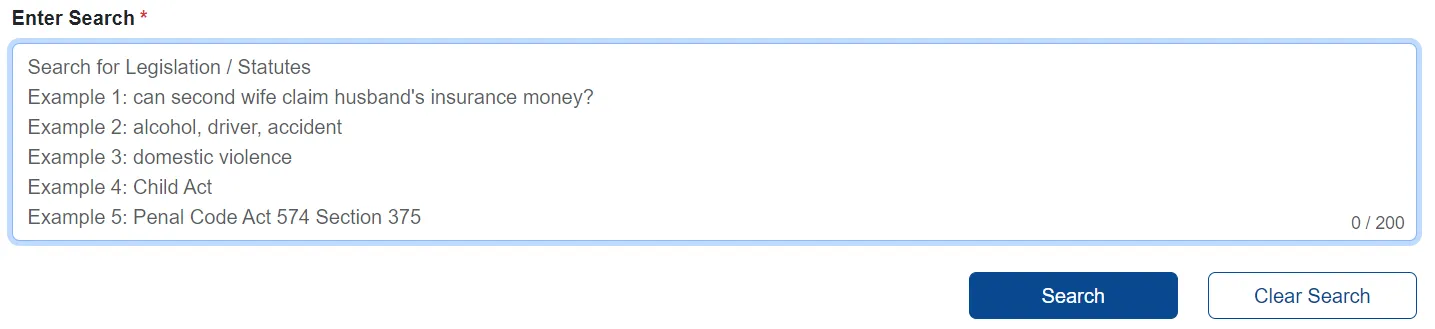
Next, you can enter your search in the box provided. Click Search if you are done, and our system will generate the information relevant to your statement.
Enter search query

The results of your search will look like this. You can look through the search result and summarize the case you are interested in.
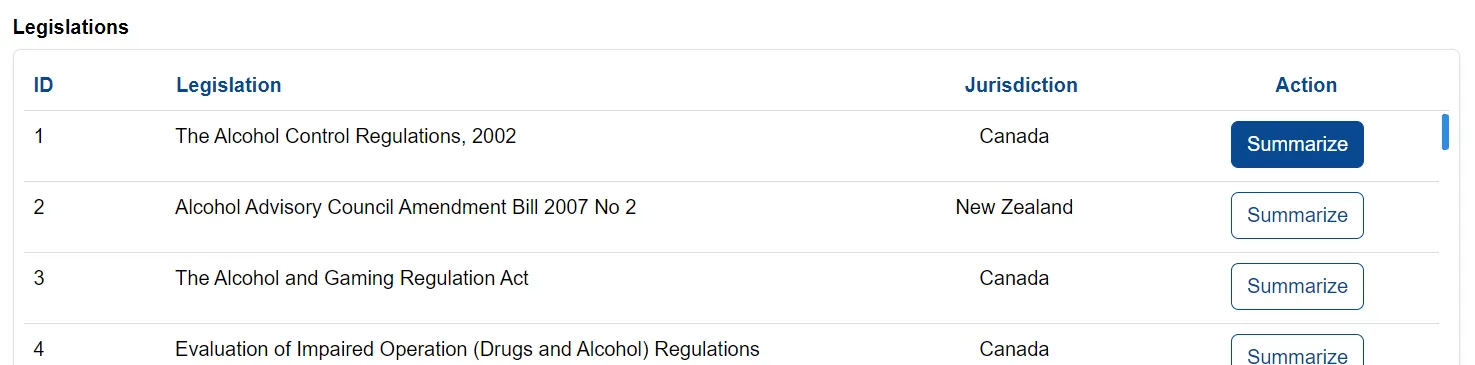
Search results display

Click View Summary and the platform would display all the information.

View Summary button

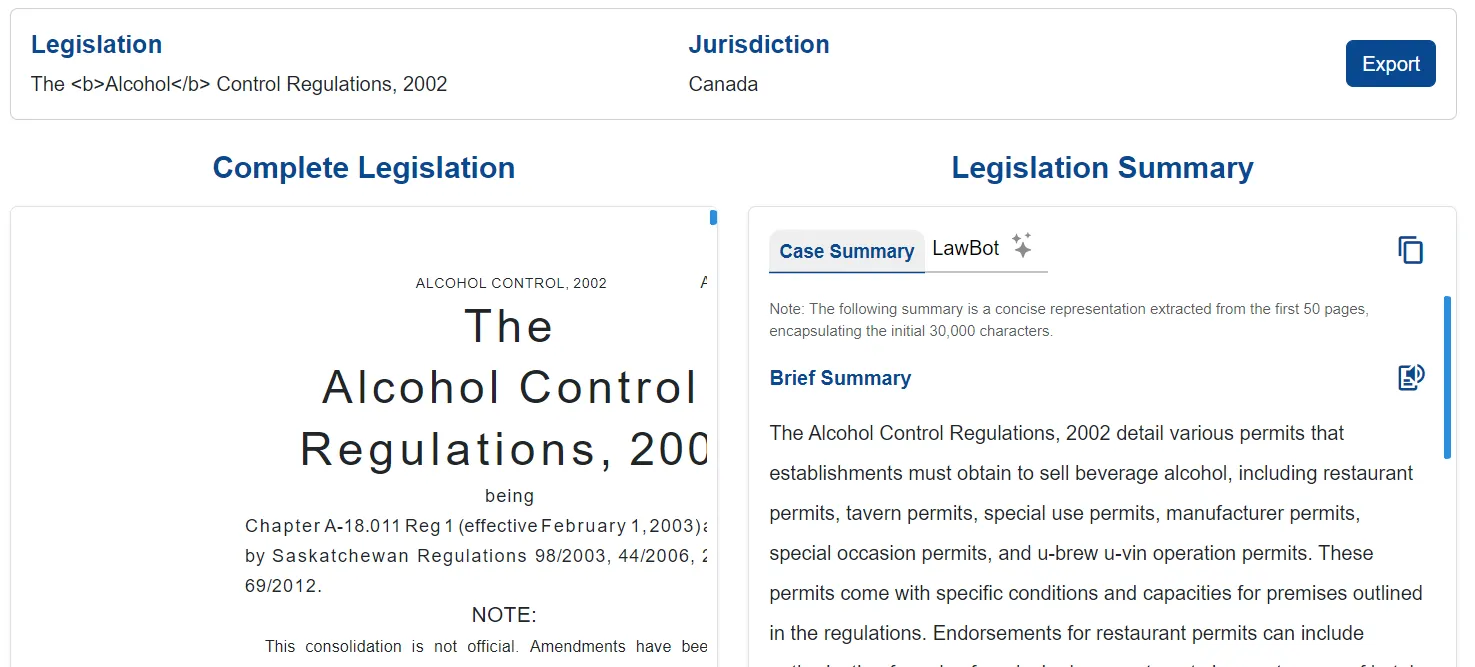
Case summary and full case view

The left section shows the summary of the case while the complete case is shown in the right section.

There is also LawBot provided in this feature.

Users can choose to export the case in both PDF and document form.
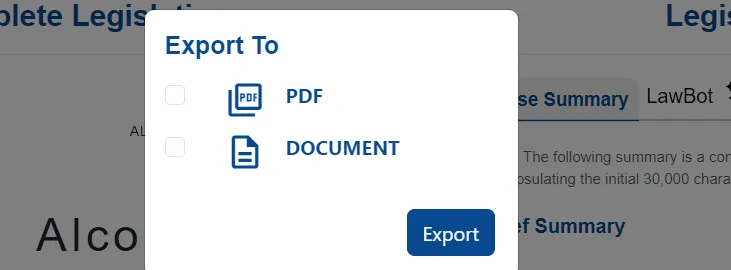
Export options for case

That’s all for Legislation Search.

Attorneys consulting in law office representing elevated legal practice with AI solutions
Elevate Your
Legal Practice
Book Your Demo

© 2026 NEXLAW INC.

AI Legal Assistant | All Rights Reserved.

ISO 27001 certified information security management system ISO 27001 Certified
GDPR compliant data protection and privacy standards GDPR Compliant
HIPAA compliant security for sensitive legal and health data HIPAA Compliant
SOC 2 Type II certified security and compliance controls Type II Certified

NexLaw is a SOC 2 Type II compliant platform utilizing AES-256 encryption. Our zero-data retention policy for enterprise users ensures that your work product remains privileged and is never used to train our models.

NEXLAW AI