
Compare Jurisdictions
How to Use Compare Jurisdictions
-
Navigate to Compare Jurisdictions
From the NeXa sidebar, select Compare Jurisdictions.
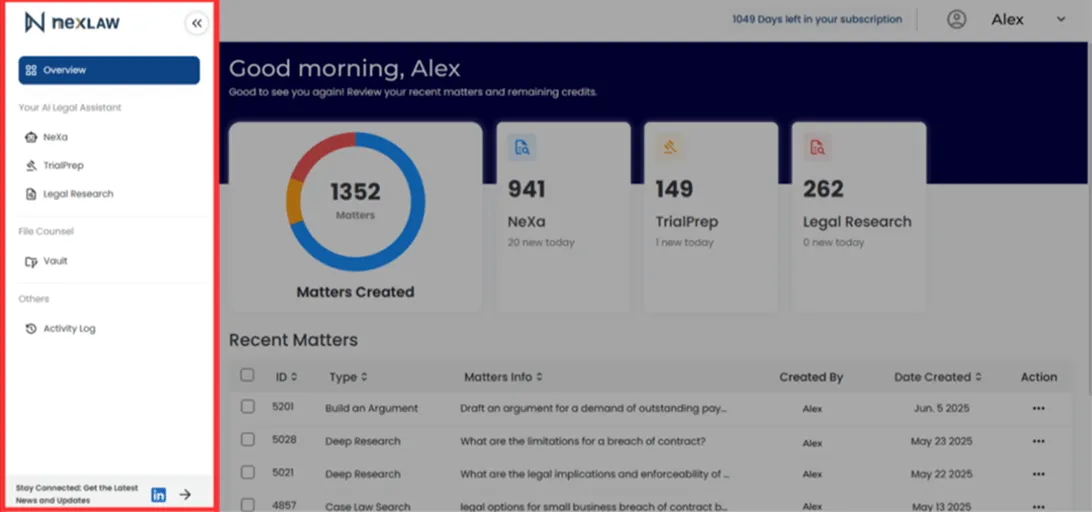
-
Enter Your Query
Type the legal topic you want to compare and select two or more jurisdictions from the dropdown menus.
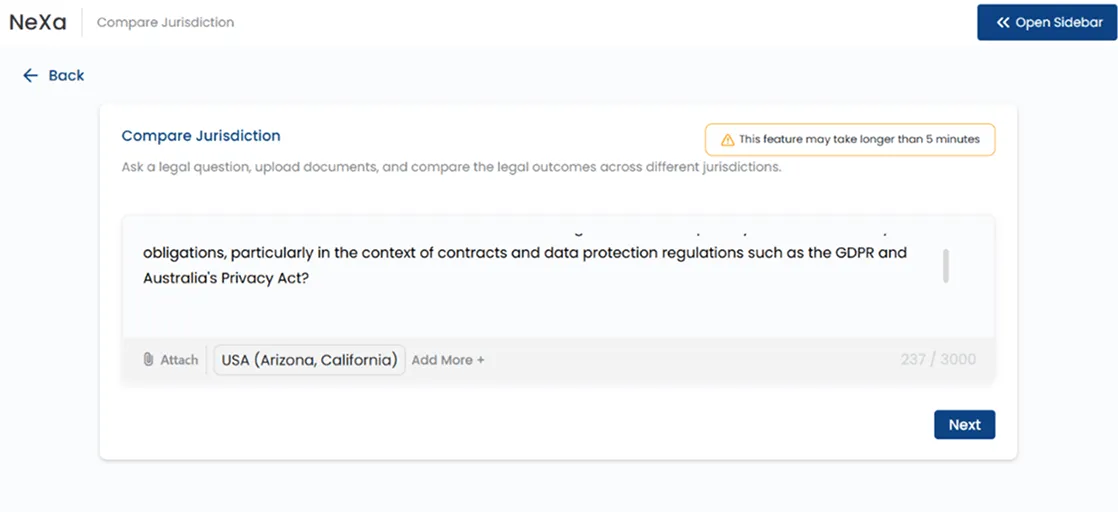
-
Review the Comparison Report
NeXa generates a side-by-side comparison of the relevant laws, regulations, and legal standards. The report may include visual charts for easier analysis.
-
Ask Follow-Up Questions
To get more granular detail, ask a follow-up question like, “Are there differences in how courts in each jurisdiction interpret and enforce confidentiality clauses?”